



















SOFTWARE ARCHIVE
Selected software projects, technical experiments, and development work spanning Python, C, GUI systems, game development, and low-level image processing.
FLAGSHIP PROJECT
Firefly: Out in the Black
A cinematic 2D arcade space shooter built with Python and Pygame.
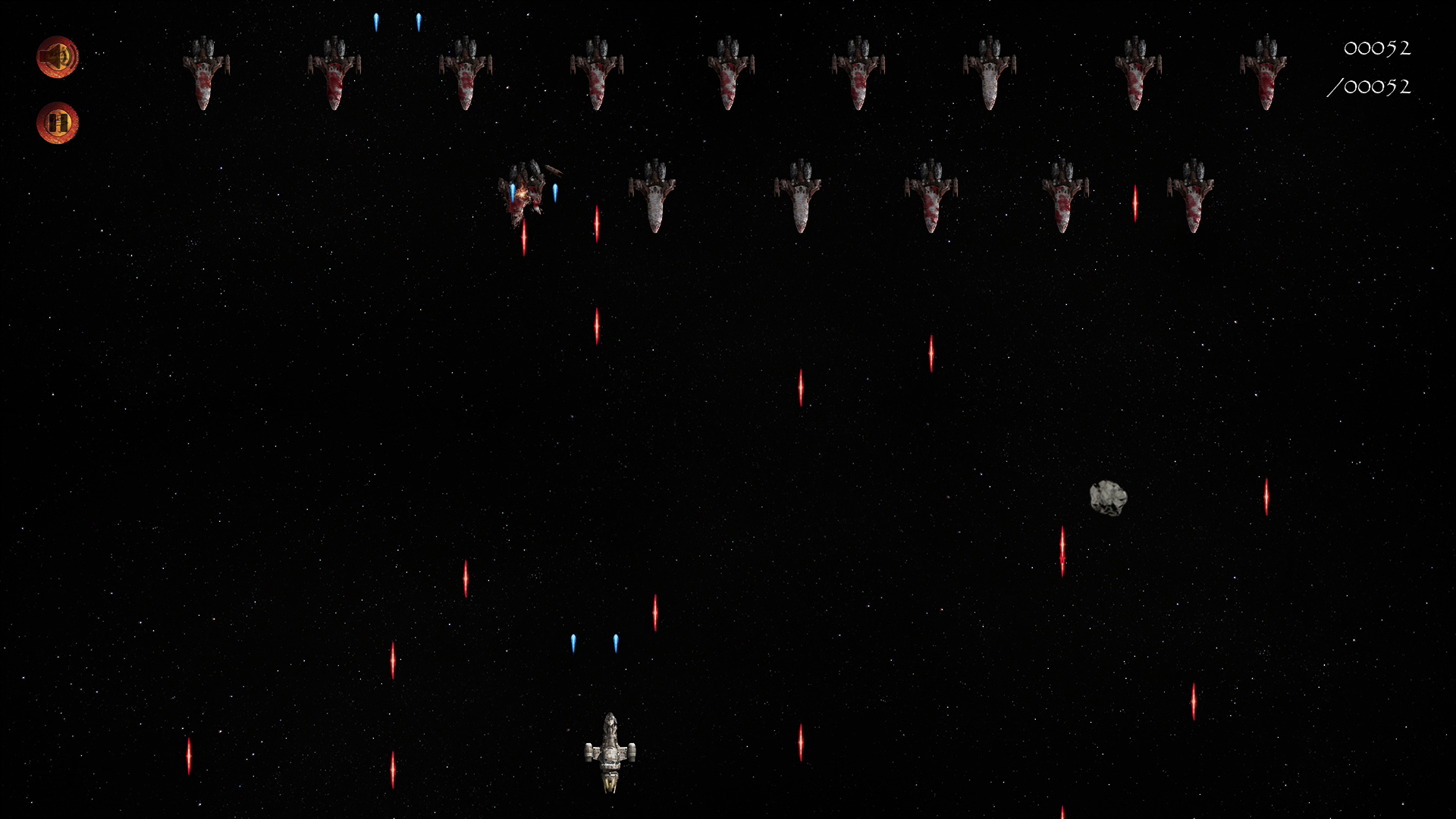
Firefly: Out in the Black is a cinematic arcade space shooter built entirely with Python and Pygame, inspired by classic sci-fi combat games and the atmosphere of the Firefly universe.
The project originally began as an object-oriented programming assignment focused on building a simple controllable spacecraft and projectile system. Over time, however, it gradually evolved into a much larger exploration of modular architecture, scalable rendering systems, event-driven design, and real-time gameplay logic.
Players pilot Serenity through increasingly dangerous Reaver formations while navigating meteor hazards, projectile exchanges, and escalating combat pressure across a fully resolution-independent gameplay space.
One of the project's primary technical goals was the creation of a custom logical-resolution rendering pipeline. Rather than relying directly on physical screen dimensions, the game operates inside a fixed internal 1920x1080 coordinate space which is dynamically mapped to the active viewport at runtime.
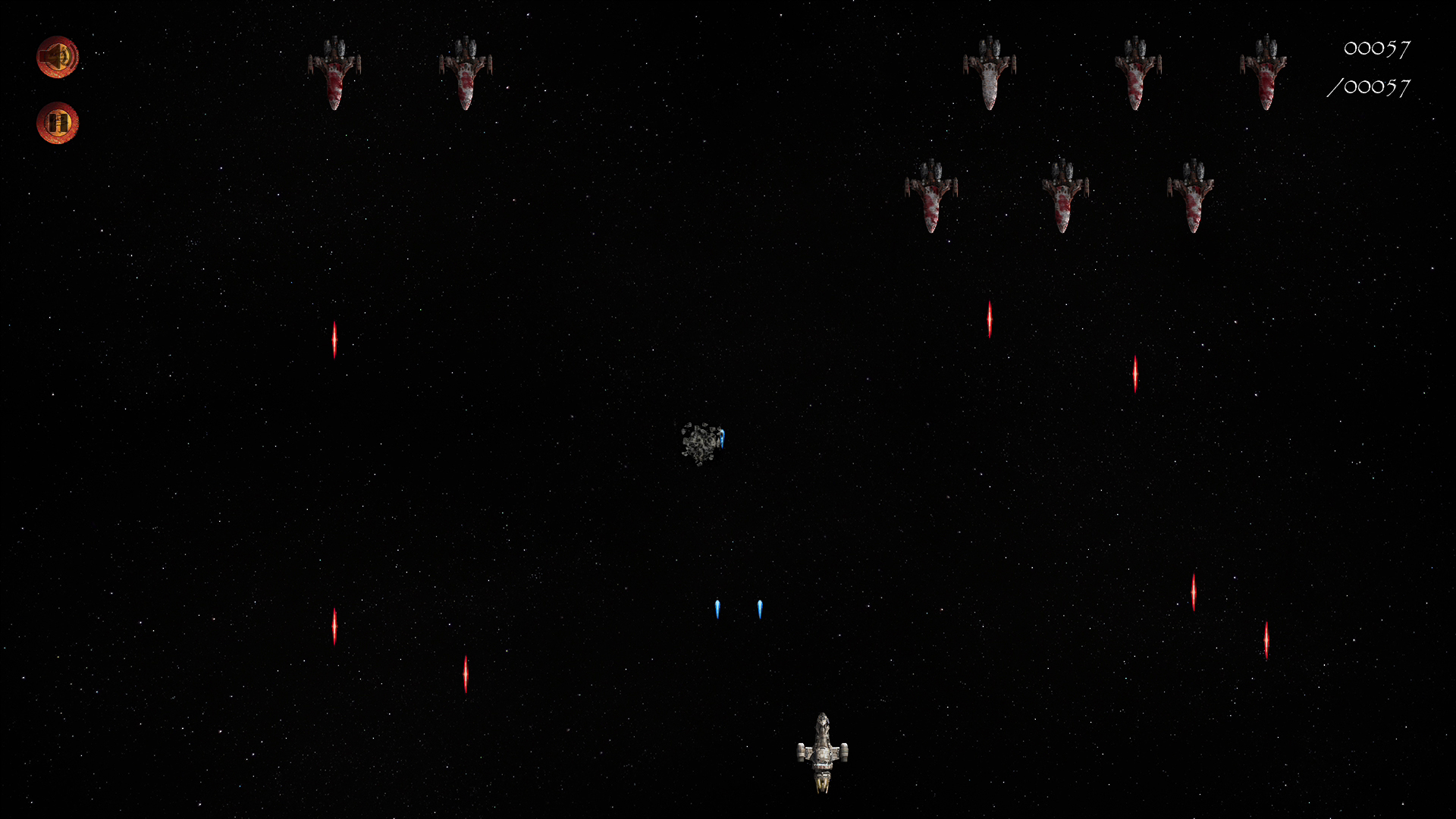
This approach allowed gameplay positioning, movement, collision systems, cinematics, and UI elements to remain visually consistent across different resolutions, aspect ratios, and fullscreen states without requiring separate gameplay logic for each display configuration.
The underlying codebase is heavily modular, with separate systems responsible for rendering, viewport management, state transitions, collision handling, enemy spawning, projectile logic, audio management, cinematics, and persistent score tracking.
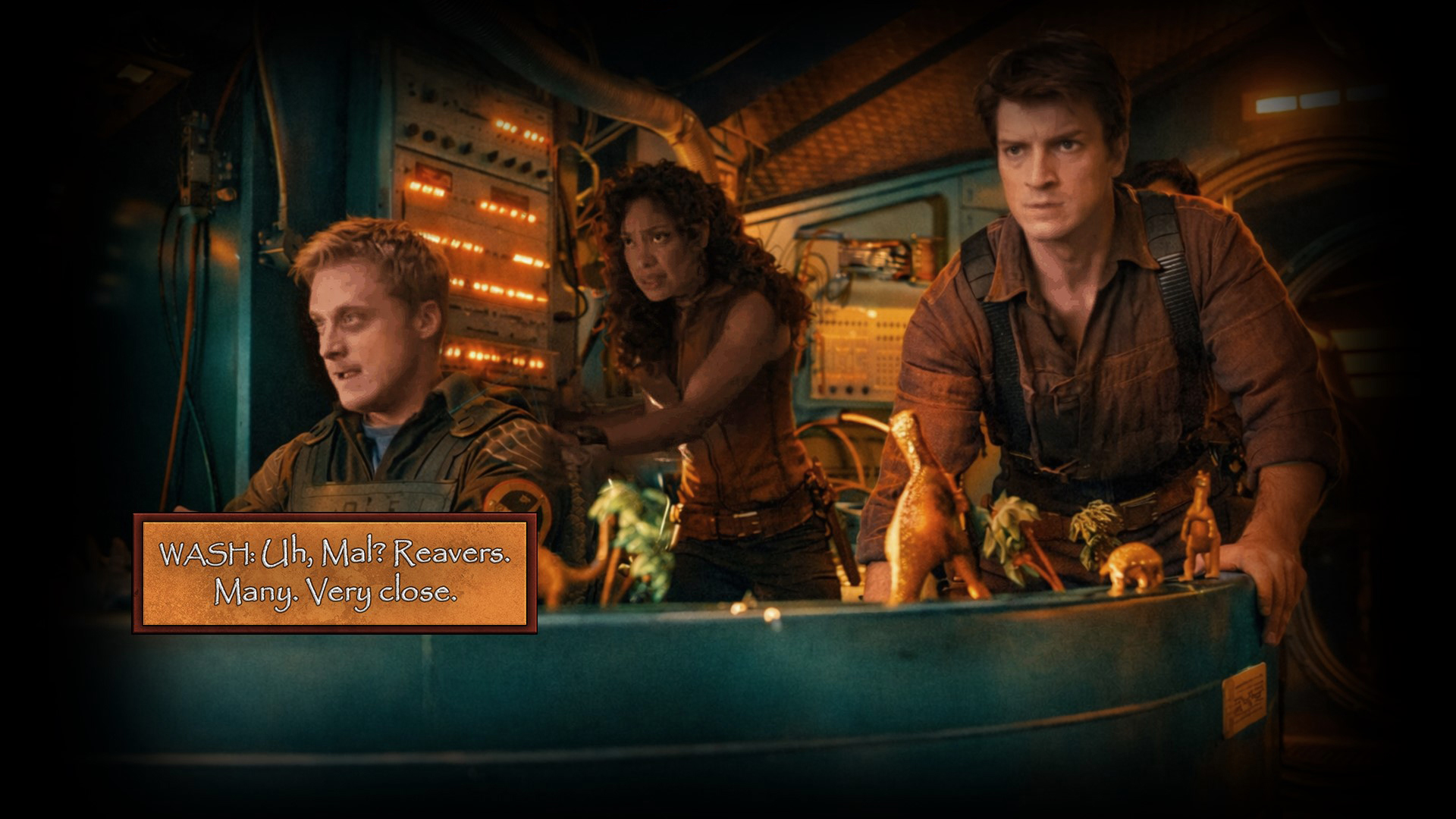
Considerable attention was also given to presentation. The project features a timed cinematic intro sequence, layered music transitions, image-based HUD systems, animated overlays, and asynchronous gameplay handoffs designed to make the experience feel cohesive and alive beyond its arcade foundations.
Every visual element used throughout the project, including ship sprites, interface components, environmental backdrops, cinematic frames, and HUD artwork, was also designed and assembled by me specifically for the game's visual identity.
Several gameplay systems were built with experimentation and extensibility in mind. Meteor trajectories, for example, are generated using curved circular-arc mathematics rather than simple linear movement, producing less predictable and more dynamic navigation patterns during combat.
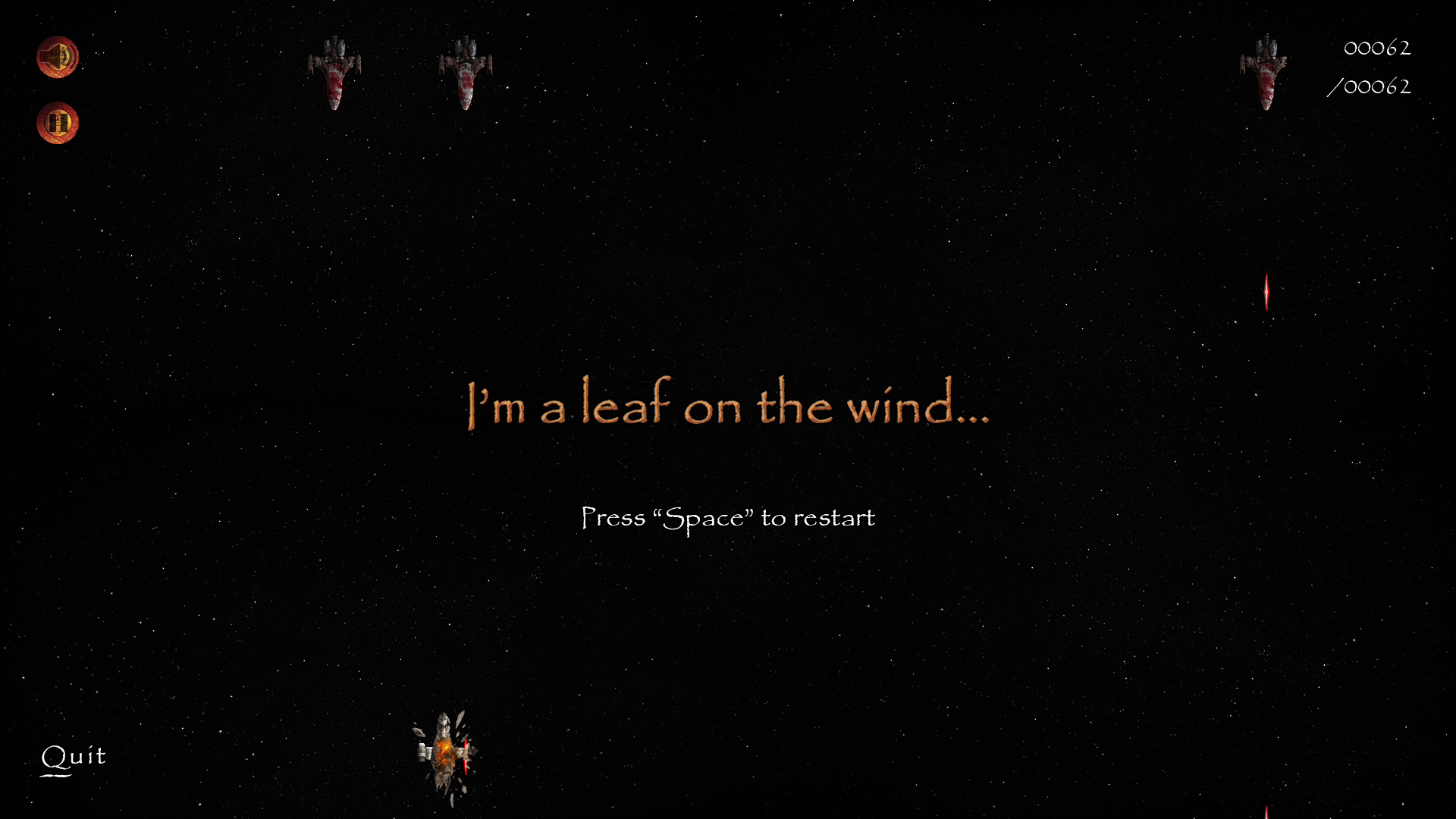
While intentionally arcade-focused in scope, the project became an important milestone in my development journey, particularly in understanding how increasingly complex systems can remain organized, scalable, and maintainable over time.
GUI / EVENT-DRIVEN PROGRAMMING
Hue Hunter
An interactive RGB color-matching game built with Python and Tkinter.
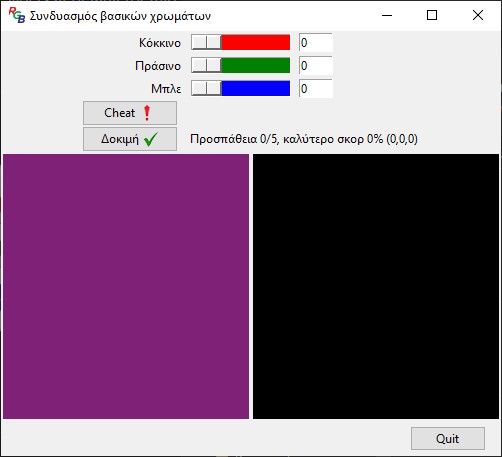
Hue Hunter is a small interactive GUI game developed with Python and Tkinter as part of an assignment focused on event-driven programming and graphical user interfaces.
The player is presented with a randomly generated target color and must recreate it as accurately as possible by adjusting individual red, green, and blue channels using synchronized slider and numerical input controls.
While relatively small in scope, the project became an important introduction to interface logic, user feedback, layout management, and interactive application flow. Much of the experimentation later explored in larger projects began here in a simpler and more approachable form.
The application continuously updates the player's generated color in real time while calculating similarity percentages between the target and submitted RGB values through a separate utility module dedicated to color-distance evaluation.
The interface itself was constructed using Tkinter's grid-based layout system, combining sliders, text-entry fields, dynamically resizing canvas elements, image overlays, and state-driven GUI updates.
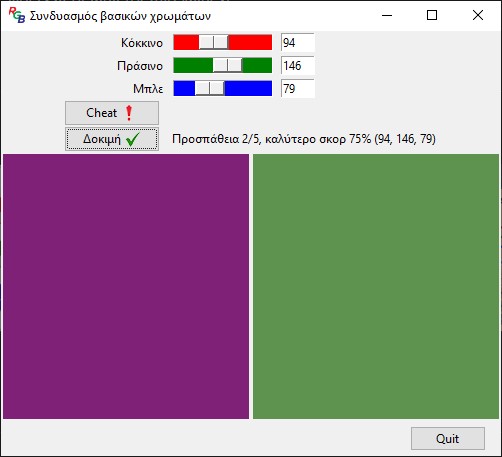
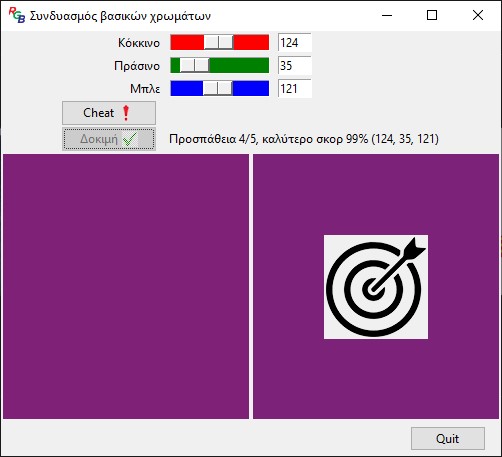
Several additional systems were implemented beyond the assignment's minimum requirements, including attempt tracking, best-score persistence, win and loss states, visual success and failure feedback, icon-based controls, responsive canvas scaling, and a dedicated preview (cheat) function allowing players to preview their current RGB values without consuming an attempt.
Although intentionally lightweight and experimental, the project marked an important step in understanding how software reacts to user input, communicates state changes, and presents information through responsive visual systems.
LOW-LEVEL IMAGE PROCESSING
Netshade
A constrained image-processing pipeline built in C using Netpbm image formats.
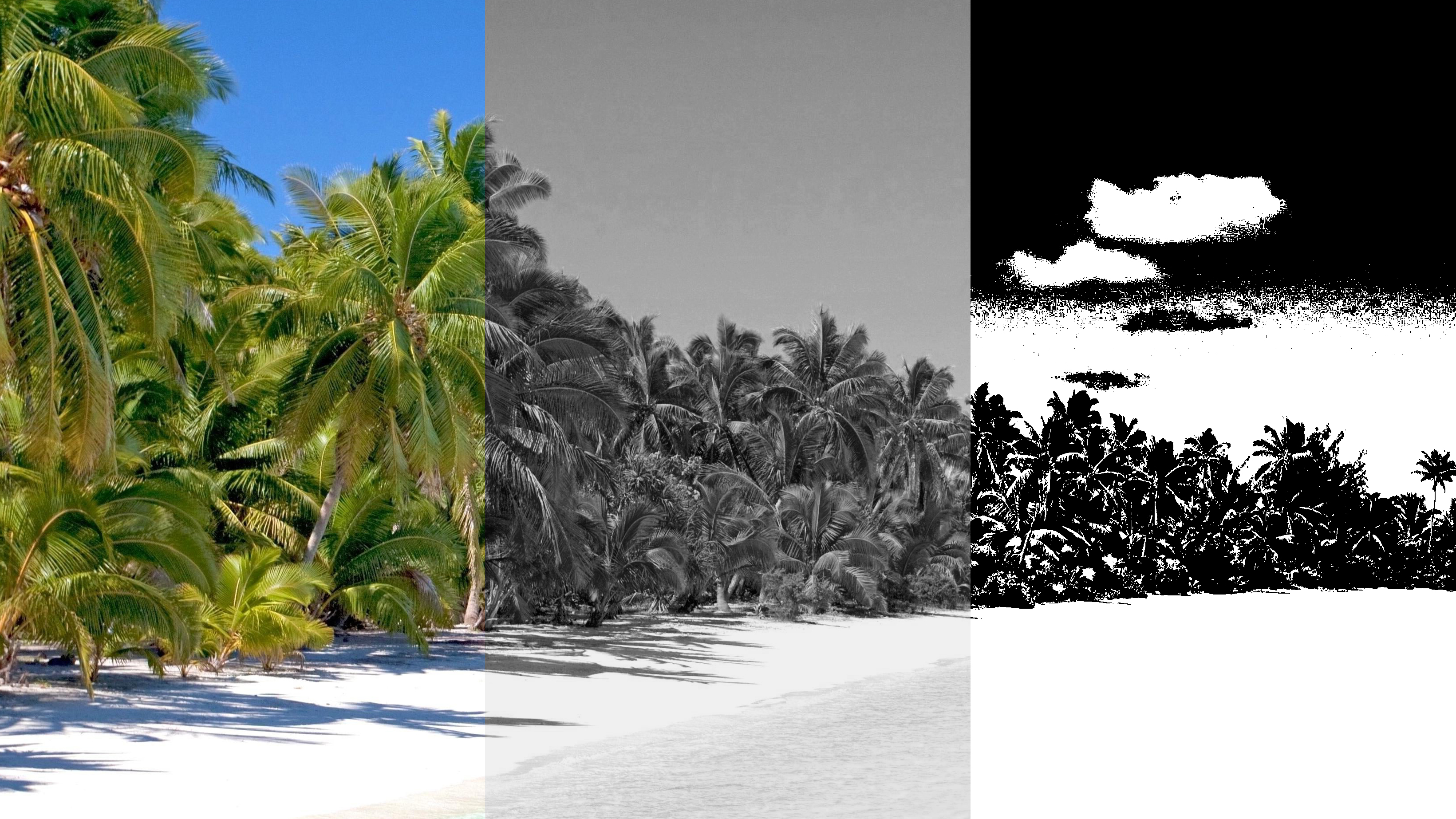
Netshade is a low-level image-processing project developed in C around the Netpbm image format family, focusing on grayscale conversion, binary threshold mapping, and direct pixel-stream manipulation.
The Netpbm format stores image information in an intentionally simple and human-readable structure, making it particularly useful for studying how graphical data is represented, interpreted, and transformed at a low level.
Unlike higher-level graphics applications relying on external imaging libraries, the project operates directly on raw image data through sequential parsing and transformation of ASCII and binary pixel information.
The assignment itself imposed unusually strict technical limitations. Arrays, strings, floating-point arithmetic, and several standard helper utilities were intentionally prohibited, forcing the entire processing pipeline to be constructed around low-level control flow, incremental data handling, and direct stream-based computation.
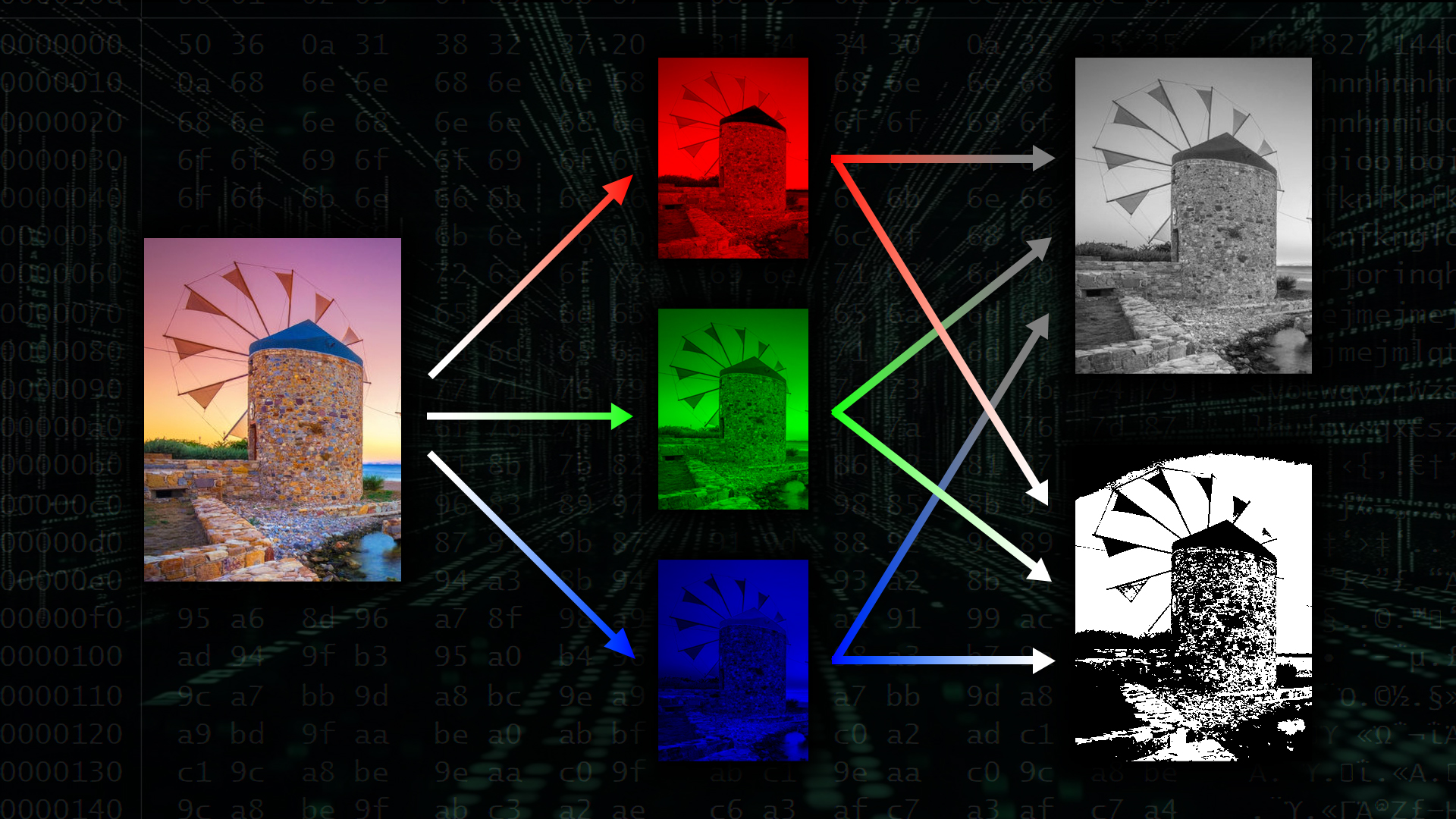
Image headers, dimensions, color values, and conversion logic were all processed manually through character-level parsing and mathematical transformation routines built specifically for the project.
Rather than separating each operation into isolated tools, the application was designed around a unified processing flow capable of loading, interpreting, transforming, and exporting multiple image states through a consistent computational pipeline.
The program supports conversion between full-color, grayscale, and high-contrast binary image states, demonstrating how visual information can be progressively reduced and abstracted through computational processing.
Working under these constraints became an important exercise in memory awareness, sequential logic, and systems-oriented programming. Much of the project revolved around understanding how image data actually exists beneath graphical interfaces — as streams of numerical information continuously interpreted and transformed by software.
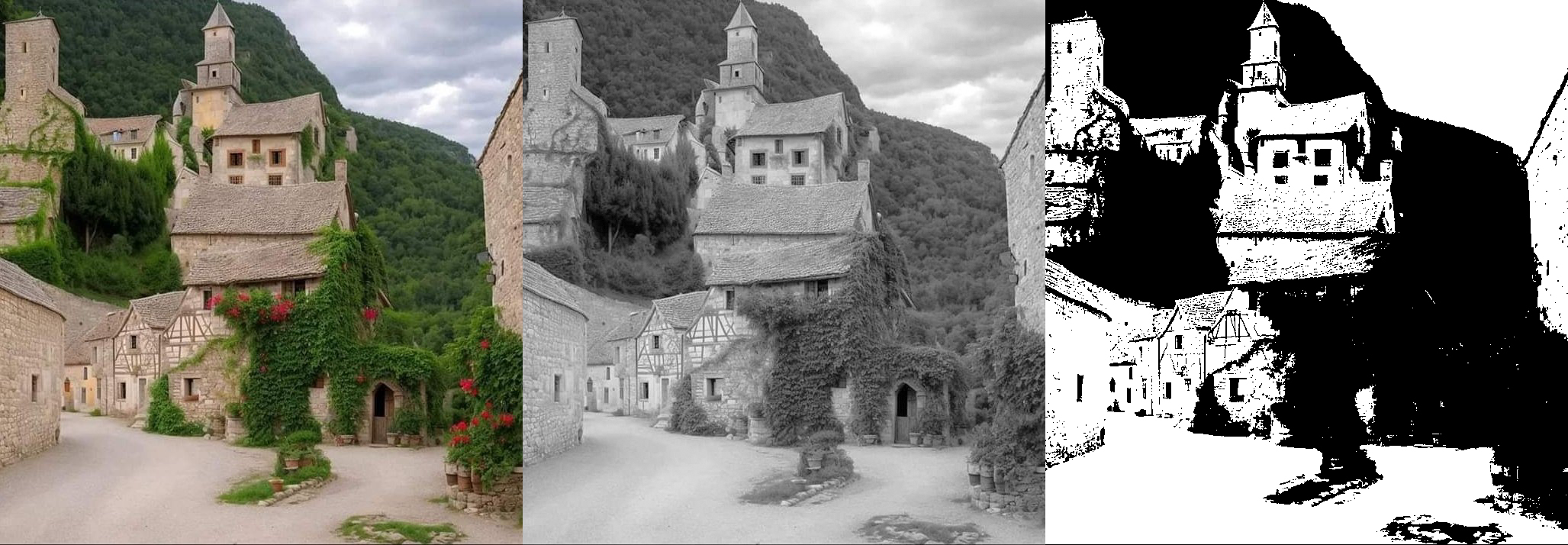
Although academically focused in nature, the project became a valuable introduction to low-level data processing, constrained problem solving, and the computational foundations underlying digital imaging systems.